How to take better Vinted photos with just your phone
You don't need a studio or a ring light. A window, a plain surface and these few rules will make your Vinted photos look like the ones that sell.
Updated 3 min read
The short answer
Shoot next to a window in daylight with the flash and ceiling lights off, on one plain light background. Make the cover photo the whole item, front on and filling the frame, then add the back, the label, the size tag, a fabric close-up and any flaws. Smooth out creases first and check the colour matches the real item.
On this page
The photo is what stops someone scrolling. Buyers can't touch the fabric or hold it up to the light, so your pictures have to do that job for them. The good news is that a phone from the last few years is more than enough. What makes the difference is light, background and framing.
Use window light, not the big light
Natural light is the single biggest upgrade. Vinted's own guidance is to take clear photos in good, natural lighting.
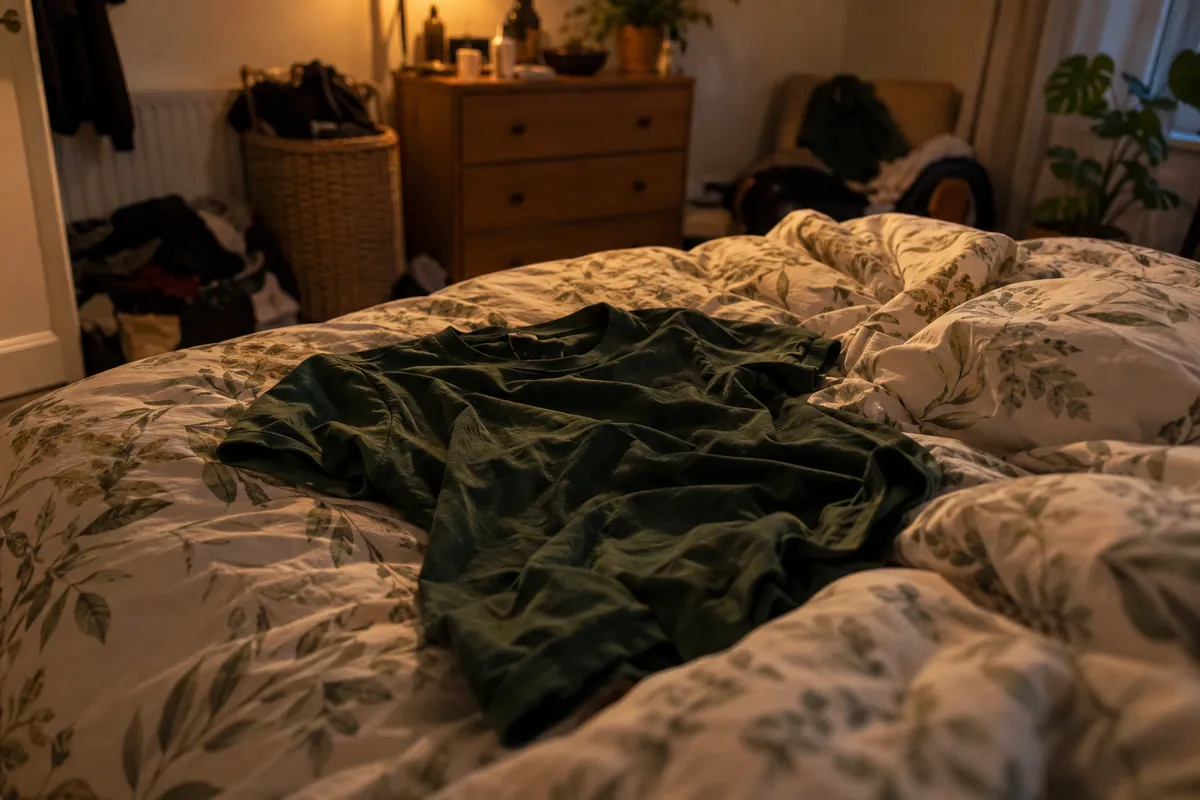
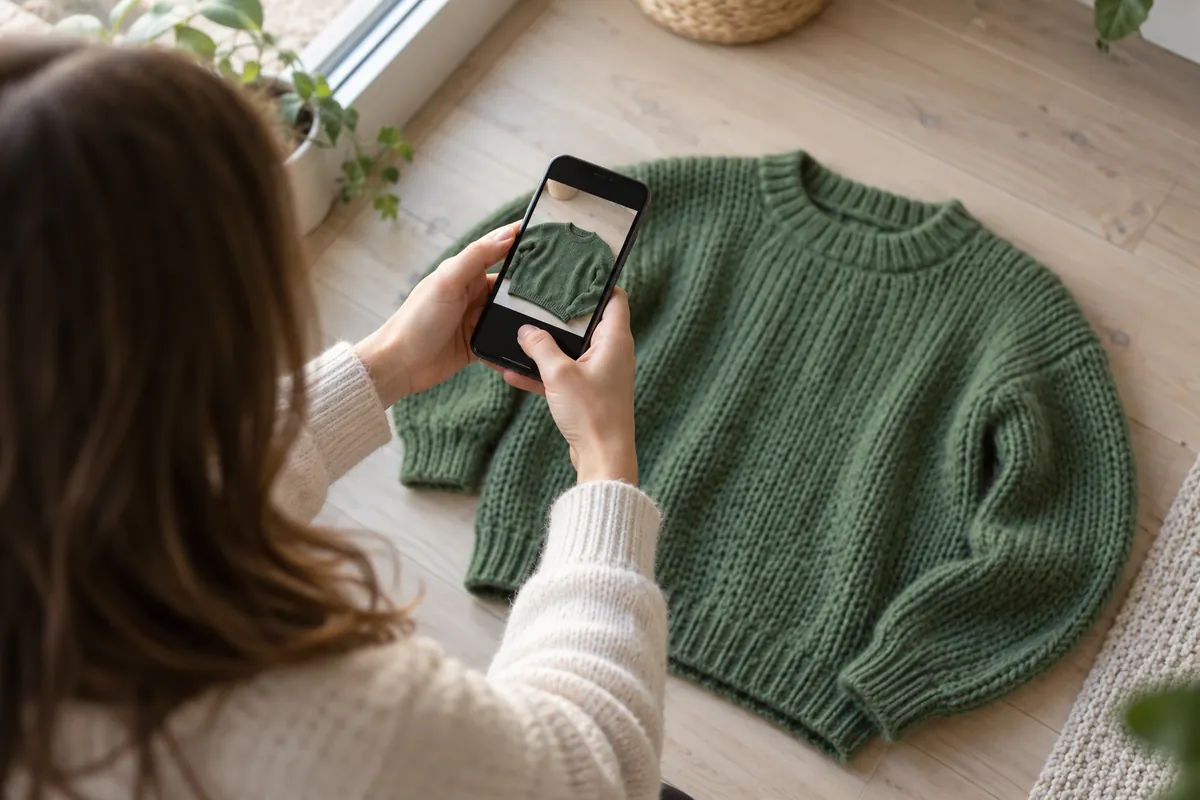
Same t-shirt, ten minutes later: smoothed out on the floor by a window.
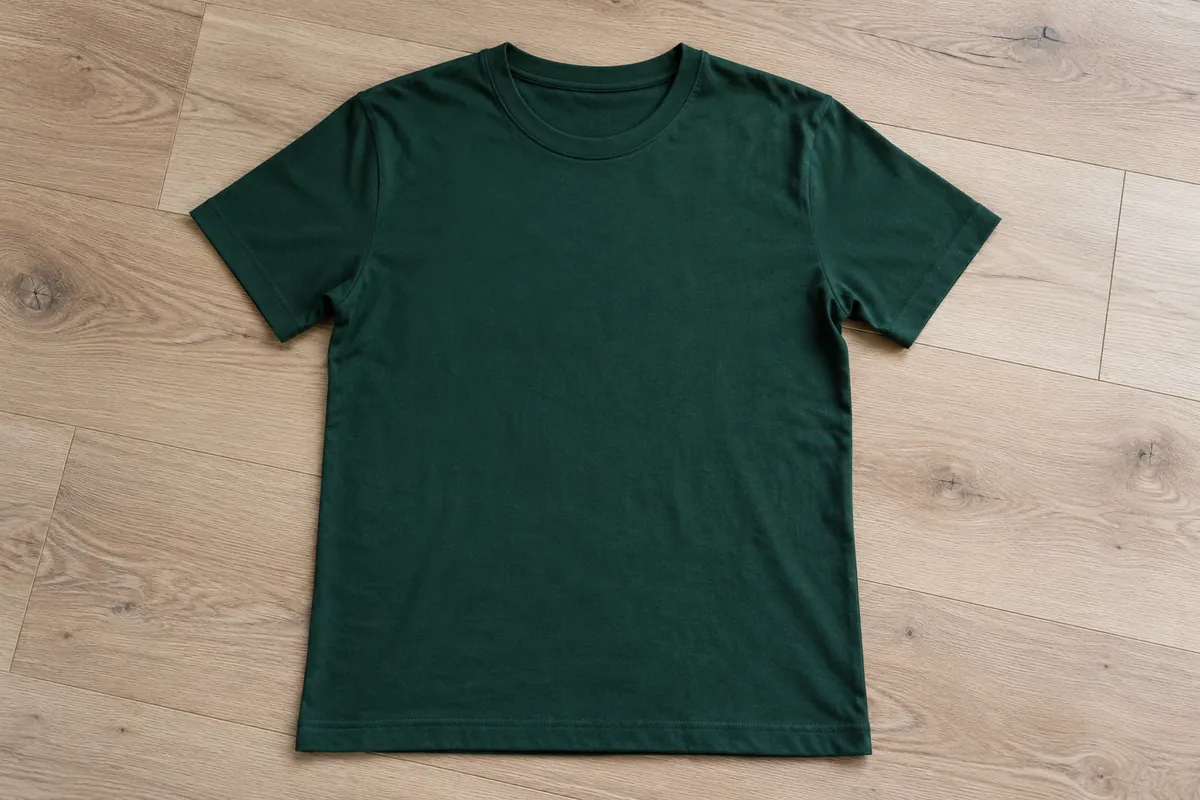
- Set up next to a window during the day, with the light coming from the side.
- Switch off the ceiling light and any lamps. Mixed light gives you yellow patches and odd colours.
- Turn the flash off. It flattens texture and makes shiny fabrics glare.
- If the sun is harsh, hang a thin white sheet over the window to soften it.
If you can only list in the evening, a daylight-balanced bulb is far better than a warm lamp, but the window is still the easier win.
Pick one plain background and keep it
Lay items on the same light floor, wall or sheet every time. A plain background makes the item pop in the feed, and a consistent one makes your whole wardrobe look tidy, which helps buyers trust you.
Avoid patterned duvets, carpets with visible stains, and anything else in the frame: shoes, cables, the cat. If your space is cluttered, changing the background afterwards is an option.
Make the cover photo the whole item
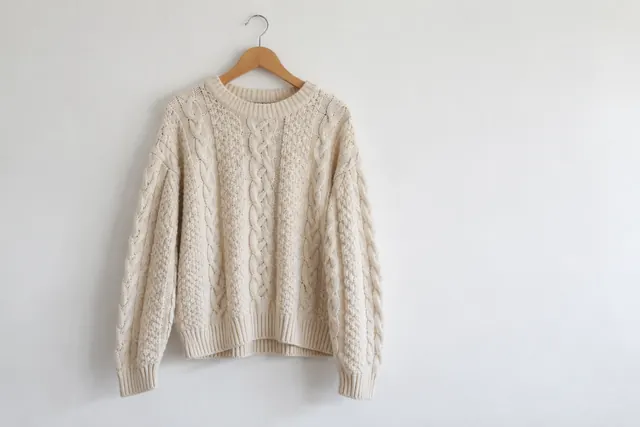
The first photo should show the entire item, front on, filling most of the frame. Vinted specifically recommends against collages for the cover. Lay it flat with the arms tucked neatly or put it on a hanger against a wall. Shoot from straight above for flat lays so the shape isn't distorted.
Then add the photos that answer questions
After the cover, shoot these in order:
- The back.
- The brand label, close enough to read.
- The size and care label. Vinted asks that any text in photos is readable.
- A close-up of the fabric or a key detail like buttons, print or embroidery.
- Any flaw, clearly. A pulled thread you show is fine. A pulled thread the buyer finds is a return.
- A worn or styled shot if fit matters.
You can add up to 20 photos, but six good ones beat fifteen blurry ones.
Get rid of creases first
Wrinkles look like neglect in a photo even when the item is in great condition. A quick steam or iron takes two minutes. Folding lines from storage show up badly in side light, so smooth them out before you shoot.
No iron to hand? FlipFast's photo fixes can smooth creases, even out flat or yellow lighting and straighten the framing, then you choose whether to keep the edit. It's useful when you've photographed a pile of things and don't want to reshoot.
Check the colour before you post
Hold your phone next to the item and compare. If the photo looks warmer, cooler or darker than the real thing, retake it or adjust it. Colour that doesn't match is one of the most common reasons buyers ask questions, or open a claim.
A quick checklist
- Daylight from the side, flash off
- Plain, consistent background
- Whole item in the cover, no collage
- Back, labels, close-up and flaws included
- Creases smoothed out
- Colour checked against the real thing
Quick answers
Up to 20. For most clothing, five to eight good photos is plenty: front, back, label, size tag, fabric close-up and any flaws.